- PHP 78.2%
- CSS 11.9%
- JavaScript 9.9%
| css | ||
| doc | ||
| js | ||
| module.php | ||
| README.md | ||

Lewp module "nevena"
Description
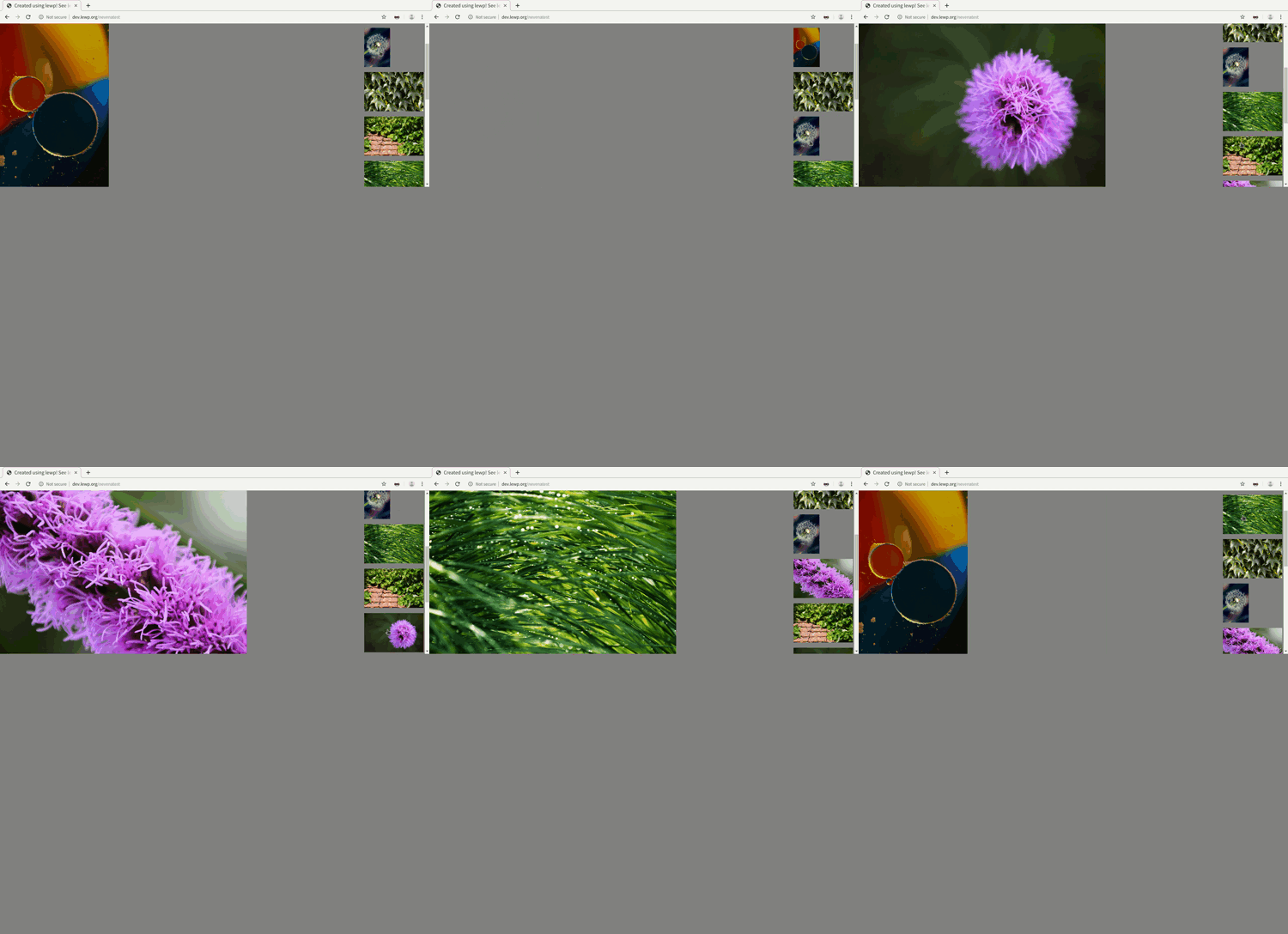
A gallery for desktop view consisting of two containers. The first is displaying the current image, the second one shows the other images. The current image is switched with the one that has been clicked on in the second container.
Installation
In the terminal, go either to the global module or site module level of your hierarchy. Then invoke the following command.
git clone git@gitlab.com:lewp/modules-galleries-nevena.git modules/galleries/nevena
Configuration
In your page file, add the following command to add the module to your page.
$this->addModule(
    "galleries_nevena",
    [
        "start_landscape_id" => $this->getPageId()."_l100.jpg",
        "start_portrait_id" => $this->getPageId()."_p100.jpg",
        "start_module_id" => "backgroundpicture",
        "gallery_landscape_folder_id" => $this->getPageId()."_landscapes",
        "gallery_portrait_folder_id" => $this->getPageId()."_portraits"
    ]
);
Available parameters
| Key | Default value | Example value | Description |
|---|---|---|---|
| start_landscape_id | start-image-l100.jpg | The id of the picture that will be shown in the big image container in landscape orientation. | |
| start_portrait_id | start-image-100.jpg | The id of the picture that will be shown in the big image container in portrait orientation. | |
| start_module_id | another_module | The module id where the start images are stored. | |
| gallery_landscape_folder_id | landscapes | The folder id where the landscape images are stored. | |
| gallery_portrait_folder_id | portraits | The folder id where the portrait images are stored. | |
| image_extension | jpg | png | The image extension of the images to be used. |
| orientation_priority | landscape | portrait | The image orientation that defines the stack. |
Behavior
Image folders
The images can be stored either in the global or the site module level, depending on your application.
The images require to be in the resources/images folder in the nevena module folder, the parameter ids are given relative to this folder.
Orientation priority
If "landscape" has been chosen, the gallery_landscape_folder_id specifies the image stack that is being used. The module checks then every image for its counter part in the portrait folder given as parameter. If it is not available, the landscape image will be used for the portrait image as well. Same the other way around, if "portrait" has been chosen.
Landscape example
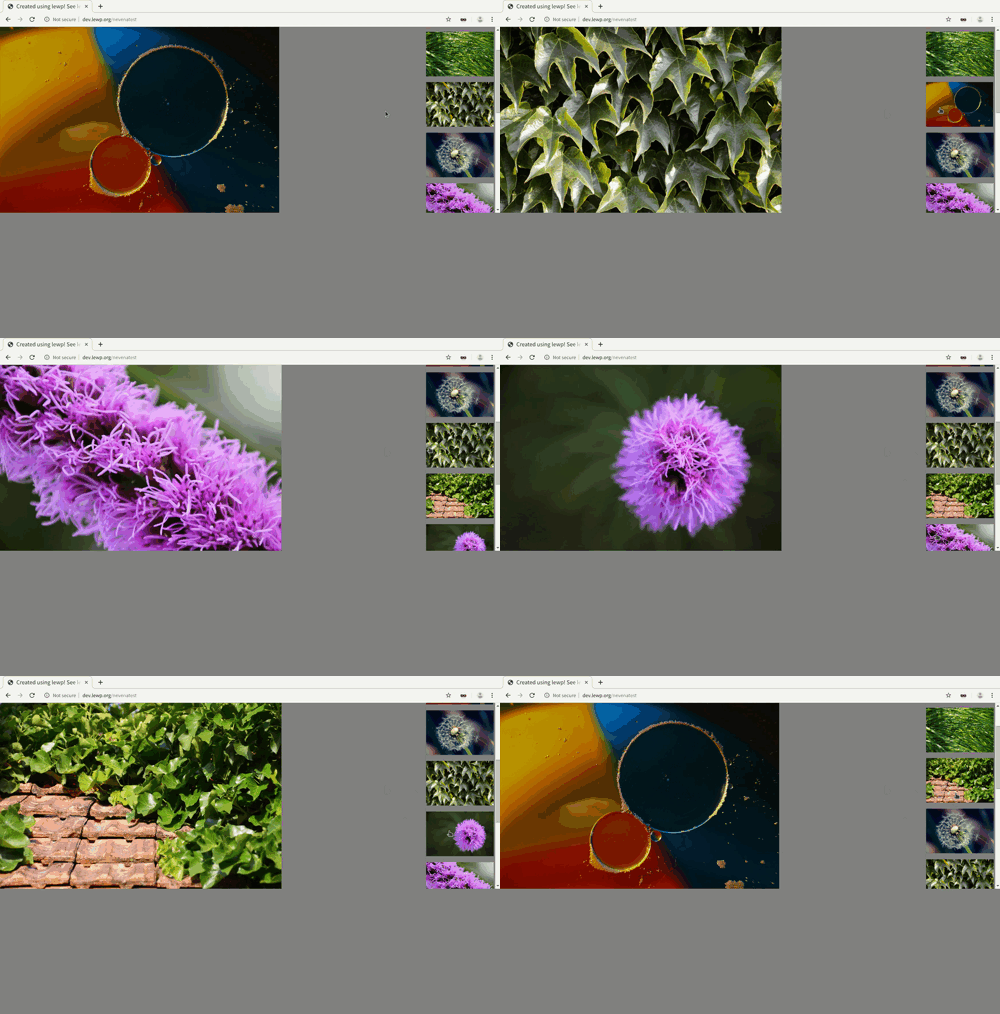
Portrait example